If you see the error “Message has lines too long for transport” in Outlook, it’s likely because the email client isn’t configured to wrap sentences correctly, especially for HTML-formatted emails. Wrapping long lines of text is important in email etiquette, as long lines can be difficult to read.
To improve the readability of your emails, it’s recommended to break lines to around 65-70 characters. Outlook’s email client automatically breaks long sentences and starts them on a new line when lines are wrapped. This reduces the length of outgoing emails and makes them easier to read. You can easily configure the line wrap setting in Outlook to any number you prefer.
How to automatically wrap long lines in Outlook
Open Outlook and go to the File menu.
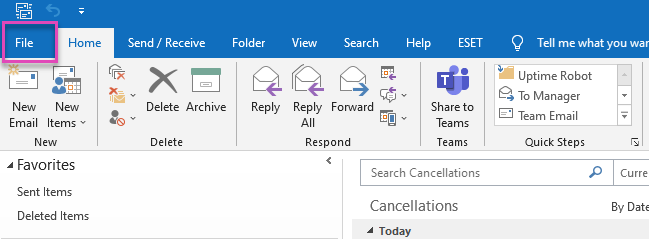
Select Options.
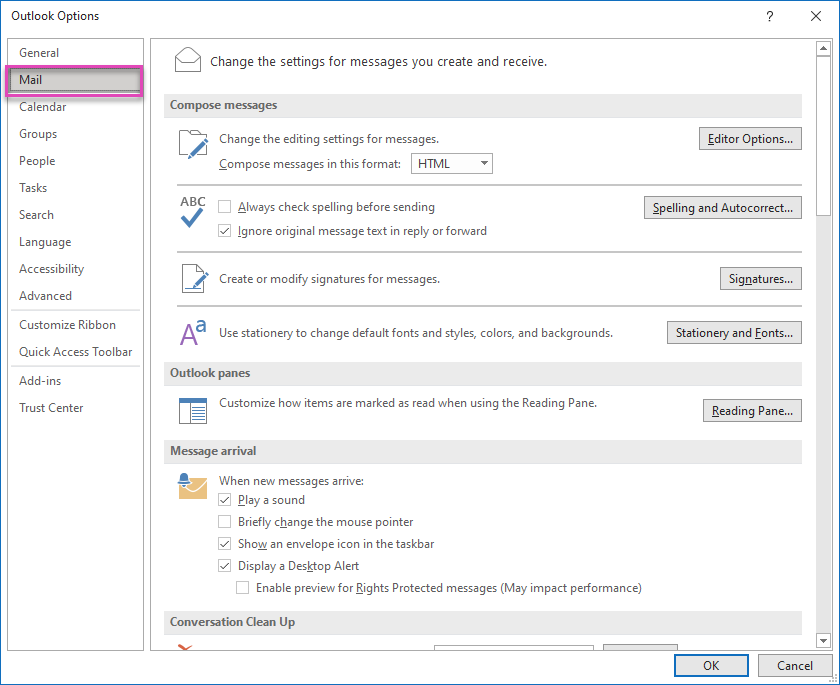
Within Outlook Options, select Mail.
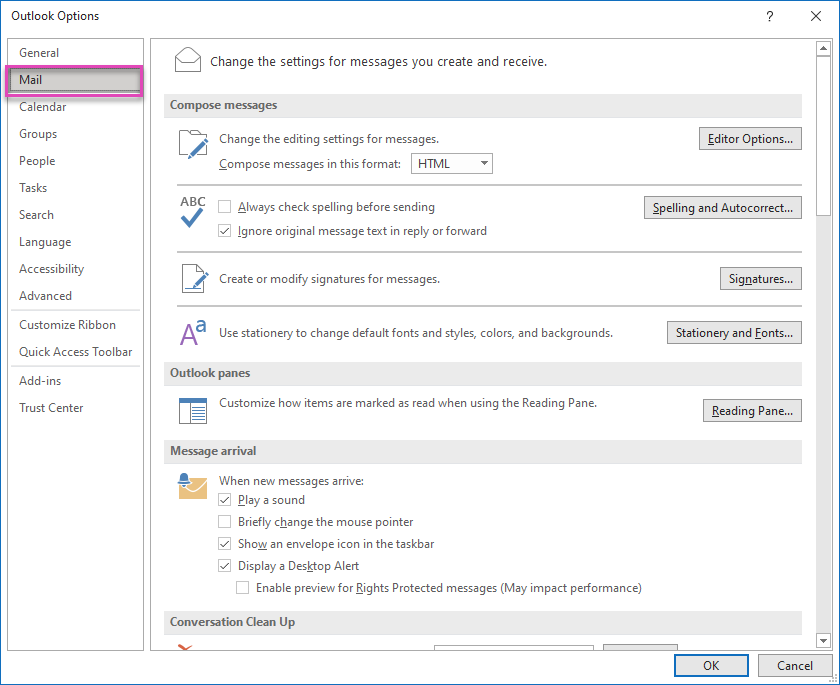
- Scroll down to Message format.
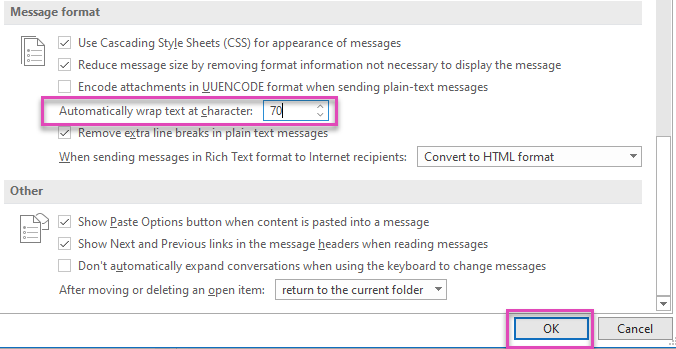
- In Automatically wrap text at character, enter a number to indicate where you want Outlook to wrap text. Keep this between 65 and 70 characters.
- Select OK to apply the changes and close the window