Organization validation certificates (OV) verify domain ownership and a company's existence. With that in mind, why would major online businesses prefer Extended Validation certificates (EV) to OV certificates?
First off, EV certificates require thorough verification checks that confirm an organization’s long-term legal and physical existence. These conditions make EV certificates a guarantee of a site’s security and reliability.
EV certificates ensure
- The company name or DBA (doing business as) is exactly the same in corporate documents and on the website;
- The Certificate Authority has verified the legal documents of the company (a partial third-party audit);
- The company exists and operates in fact.
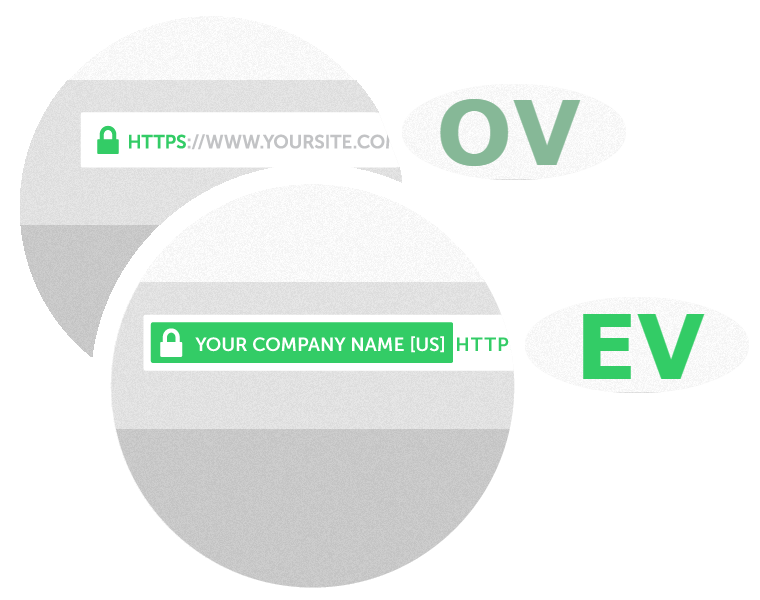
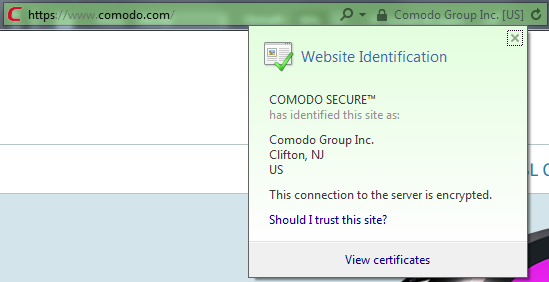
EV certificates provide exclusive website indicators that reassure customers and other site visitors. Only EV certificates display green bar verification in the browser address bar. The green bar is easily visible even for the least-experienced users, encouraging trust and confidence.
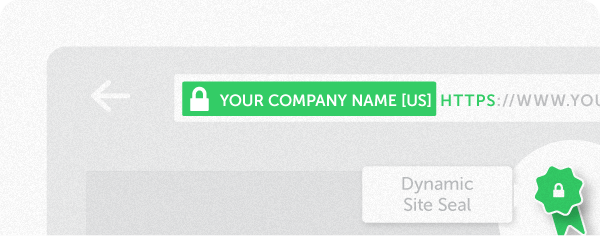
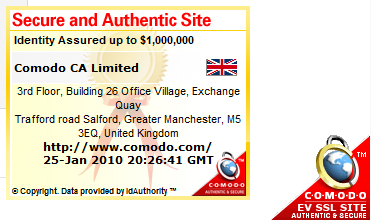
Another advantage of EV certificates is the Corner of Trust, unavailable for OV certificates. This dynamic Site Seal displays Company information, such as domain name, company name, address, city, state and country, and appears in the corner of the screen regardless of your location on the page.
Below you can see how EV and OV SSL certificates are represented in different browsers.
Firefox OV
If you click on the green padlock you can see the Issuer of the SSL certificate:
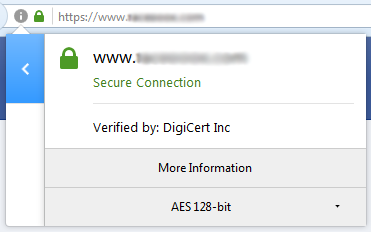
Once you click on ‘More Information’, a pop-up window appears. There you can find the details associated with the issuer (Certificate Authority):
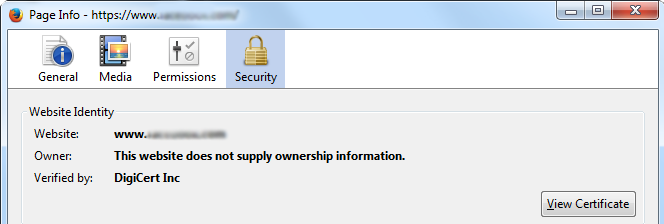
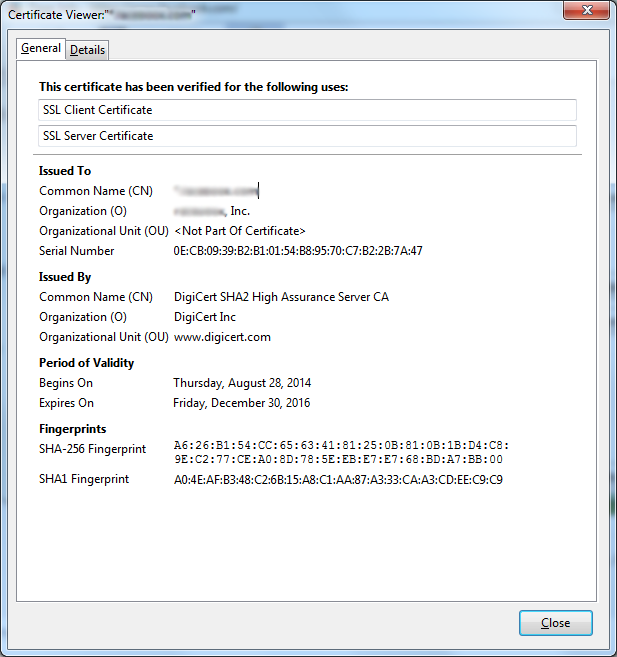
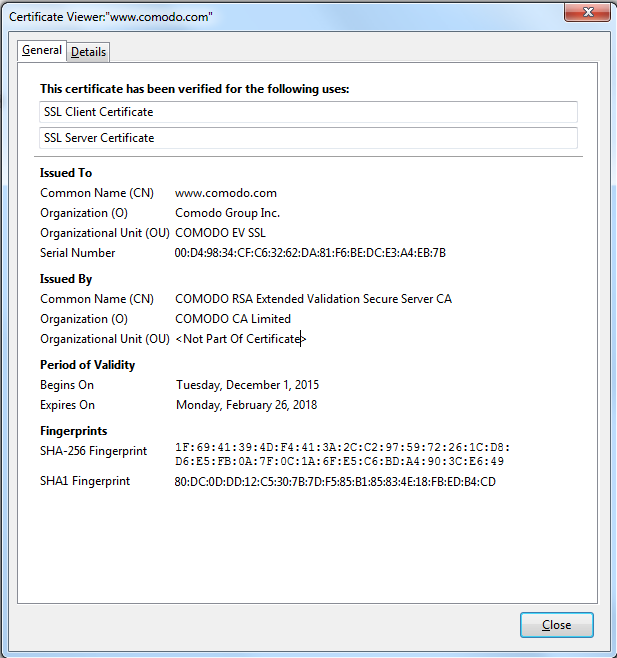
If you click on ‘View Certificate’, you can check the following details:
- Issued To
- Issued By
- Period of Validity
The ‘Details’ tab provides additional information, as shown below:
Firefox EV
EV SSL certificates offer the same options, although with different information displayed due to the nature of the certificates.
Clicking the green padlock displays the company for which the EV SSL certificate was issued.
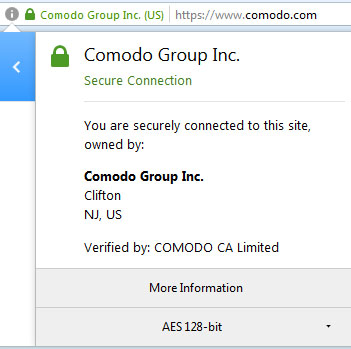
Once you click on ‘More Information’ option, you can see the company name as the owner of the certificate:
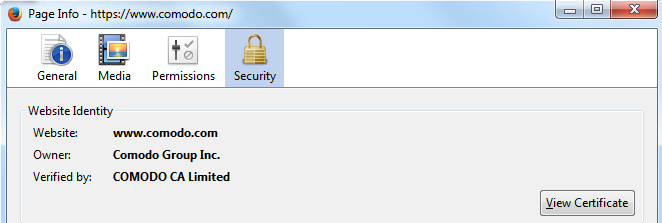
By clicking on ‘View Certificate’ you can find out more details about the company and the certificate.
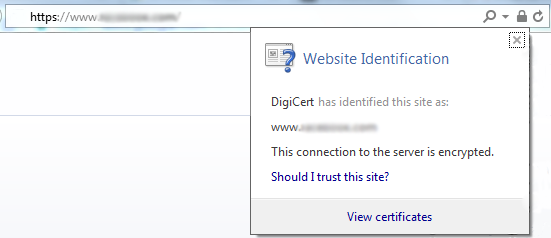
Explorer OV
Explorer EV